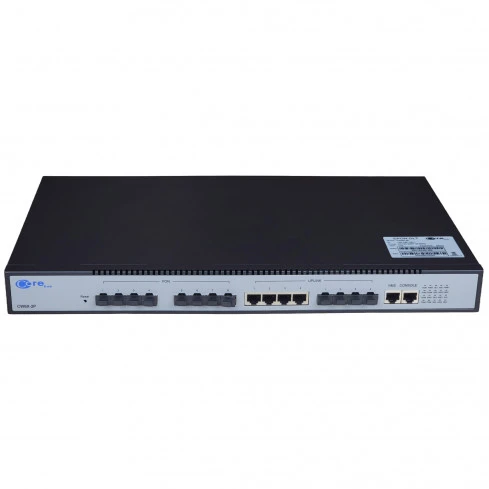
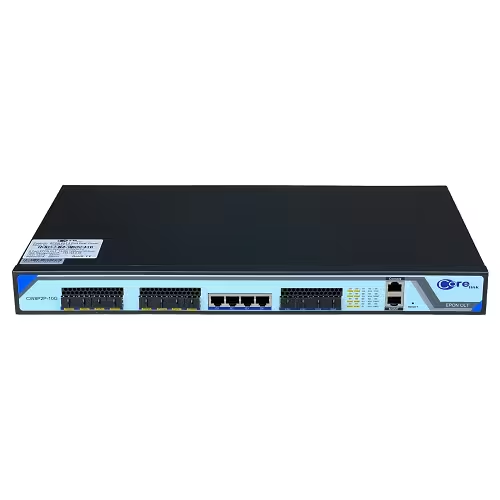
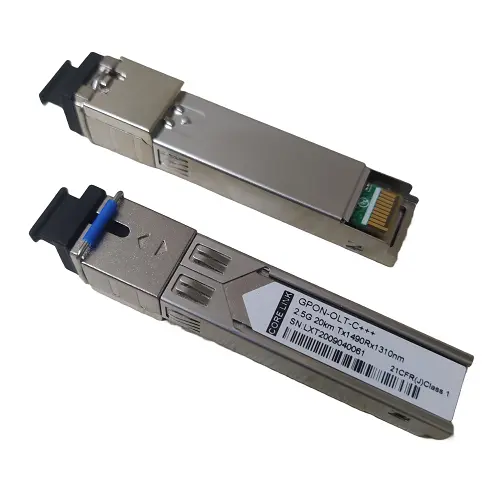
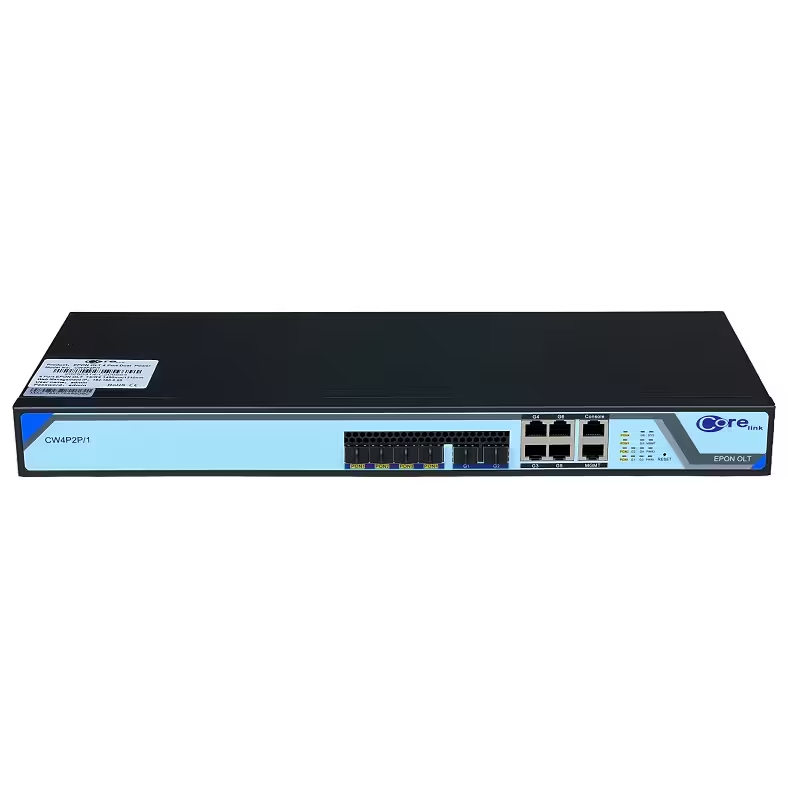
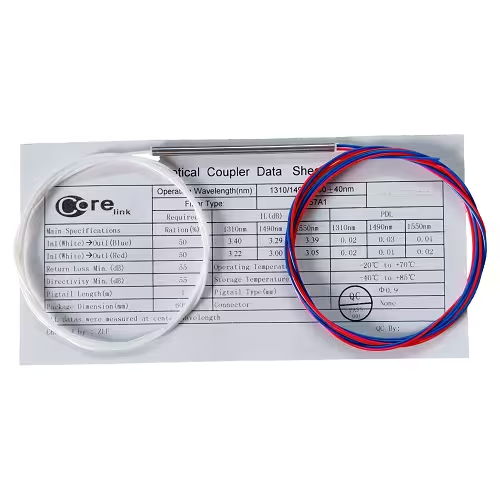
Corelink OLT 8PON Port | 8-Port EPON OLT Device The Corelink OLT 8PON Port 10G Uplink is a high-capacity, 1U rack-mounted EPON OLT device that complies with IEEE802.3ah, YD/T 1475-2006, and CTC 2.0/2.1/3.0 standards. Designed for flexible deployment and high performance, it supports 8 SFP EPON ports, 4 Gigabit RJ45, and 4 10G SFP uplink ports. Under a 1:64 split ratio, it connects up to 512 ONUs with a 20km transmission range and full L2/L3 line-speed forwarding. Corelink OLT 8PON Port – Technical Specification Category Details Business Port - 8 EPON ports - 4 × 10GE SFP uplink ports - 4 × GE RJ45 uplink ports (10/100/1000Base-T adaptive) Management Interface - 1 × 10/100Base-T RJ45 outbound network management port - In-band network management via any GE uplink Local Config Interface Serial port Switching Capacity 64Gbps (non-blocking, 3-layer Ethernet switching chip) LED Indicators - PW1, PW2: Power status - PON1–PON8: LINK & Active states - GE1–GE4: RJ45 uplink LINK & Active - XGE5–XGE8: SFP uplink LINK & Active Power Supply - 220V AC (or DC, single/dual supply selectable) - Typical power consumption: 40W Weight 2 Kg Operating Temperature -10°C to 55°C Dimensions (L × W × H) 260mm × 440mm × 44mm Corelink 8PON Port OLT – Software Features Feature Category Details EPON Standard Complies with IEEE802.3ah, YD/T 1475-2006, CTC 2.0/2.1/3.0 standards Dynamic Bandwidth Allocation (DBA) Supports SLA settings (fixed bandwidth, guaranteed bandwidth, max bandwidth, priority, etc.) Granularity: 64Kbps Security Features - AES and triple churing encryption for PON ports - ONU MAC address binding and filtering VLAN - Supports 4096 VLANs - Port-based and 802.1Q-based VLAN MAC Address Learning - Supports 8K 16K MAC addresses - Hardware-based wire-speed MAC address learning Spanning Tree Protocol IEEE 802.1d (STP), IEEE 802.1w (RSTP) NTP Protocol Supports NTP Flow Control IEEE 802.3x full-duplex flow control Link Aggregation 2 port aggregation groups (each supports up to 4 ports) Port Mirroring Supports port mirroring for uplink and PON ports Log - Log output masking by alarm level - Output to terminal and file Performance Statistics Uplink interface, PON port, and ONU user port statistics Management and Maintenance - OLT config saving, restore factory settings - OLT online upgrade - ONU offline config & auto delivery Network Management Features - Local/remote CLI configuration - In-band and out-of-band network management - WEB configuration management Connection Steps: Power On: Turn on the OLT and ONU devices. The power indicators should light up. Connect to NMS: Connect the OLT device to the computer using the Network Management System (NMS) for centralized management. This allows for: Remote monitoring Remote commissioning Maintenance of ONU devices Optical Link Setup: Connect the PON port of the OLT to the main fiber of the optical splitter. Then connect the branch fiber from the splitter to the ONU. The ONU's PON light will flash, indicating it's registering with the OLT. After a few seconds, if the PON light stays on, the registration is successful.